Code Completion
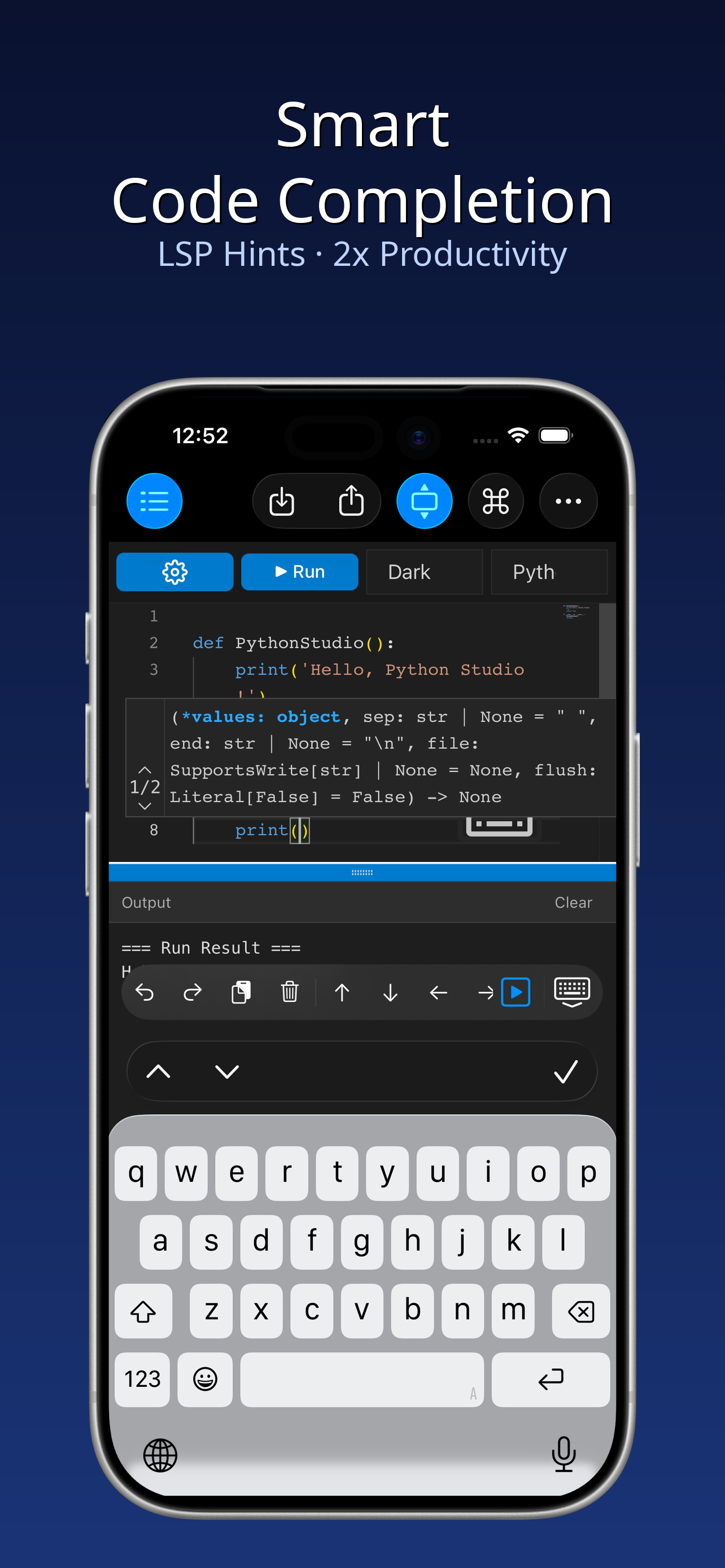
Intelligent code completion powered by LSP for faster coding.
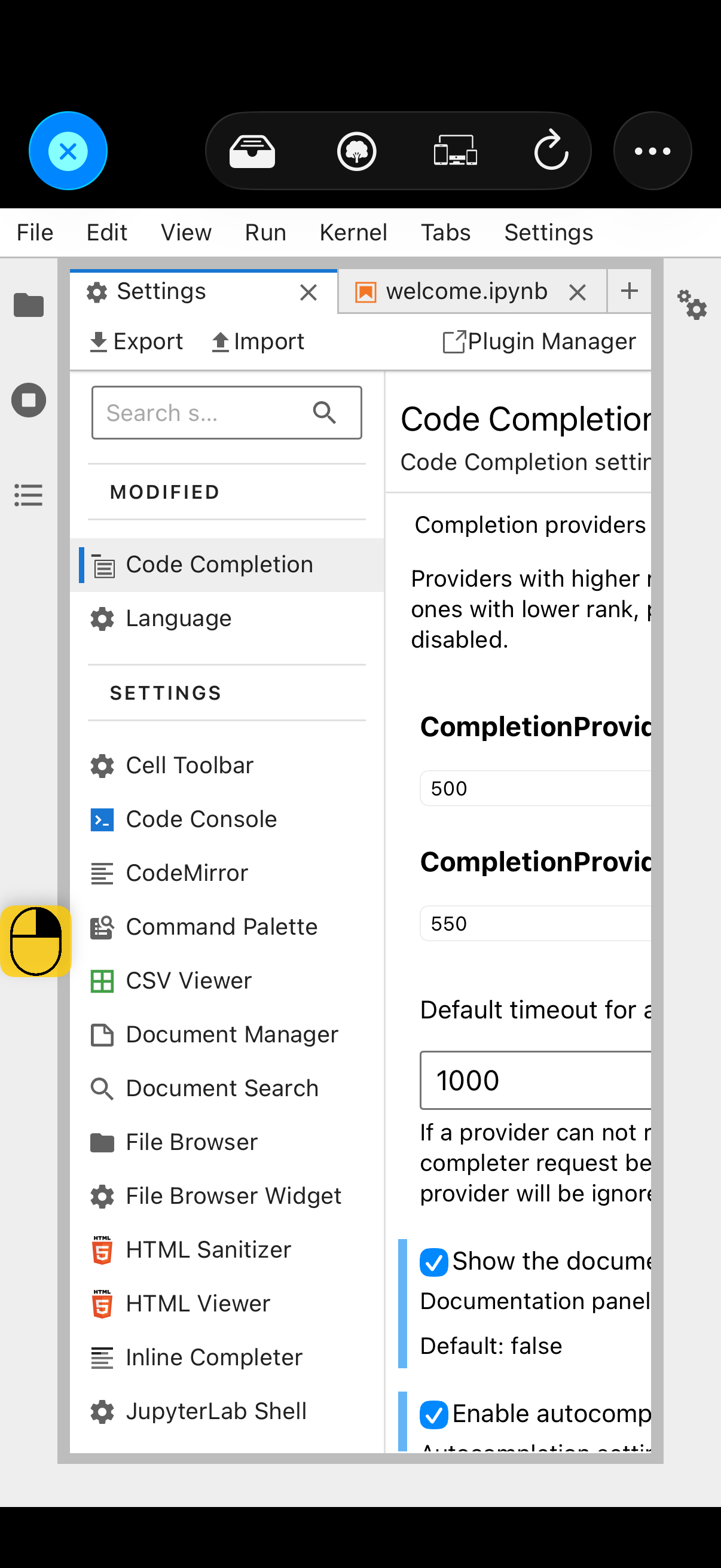
- Enable in Settings → Code Completion
- Tap ⇥ / ⇤ keys to navigate suggestions
- Works in both Notebook and Quick Code
Write Python on your iPhone
A powerful offline Python programming tool for iPhone & iPad. No internet needed — code, run, and debug anywhere.
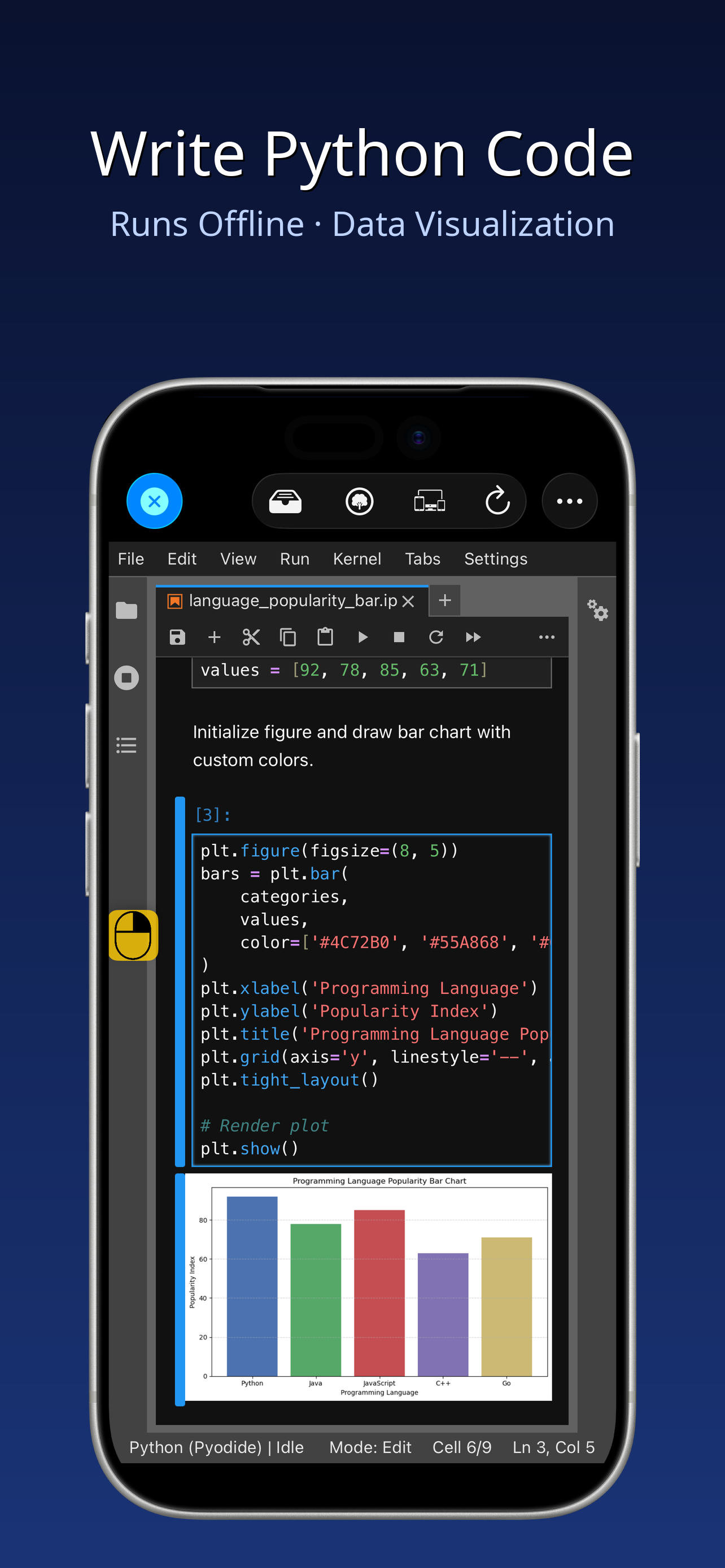
Everything you need to code on mobile
No internet, no server. Write, run, and debug Python anytime, anywhere.
Cell-by-cell coding with step-by-step execution, like a notebook.
All files and code stay on your device. Nothing uploaded to the cloud.
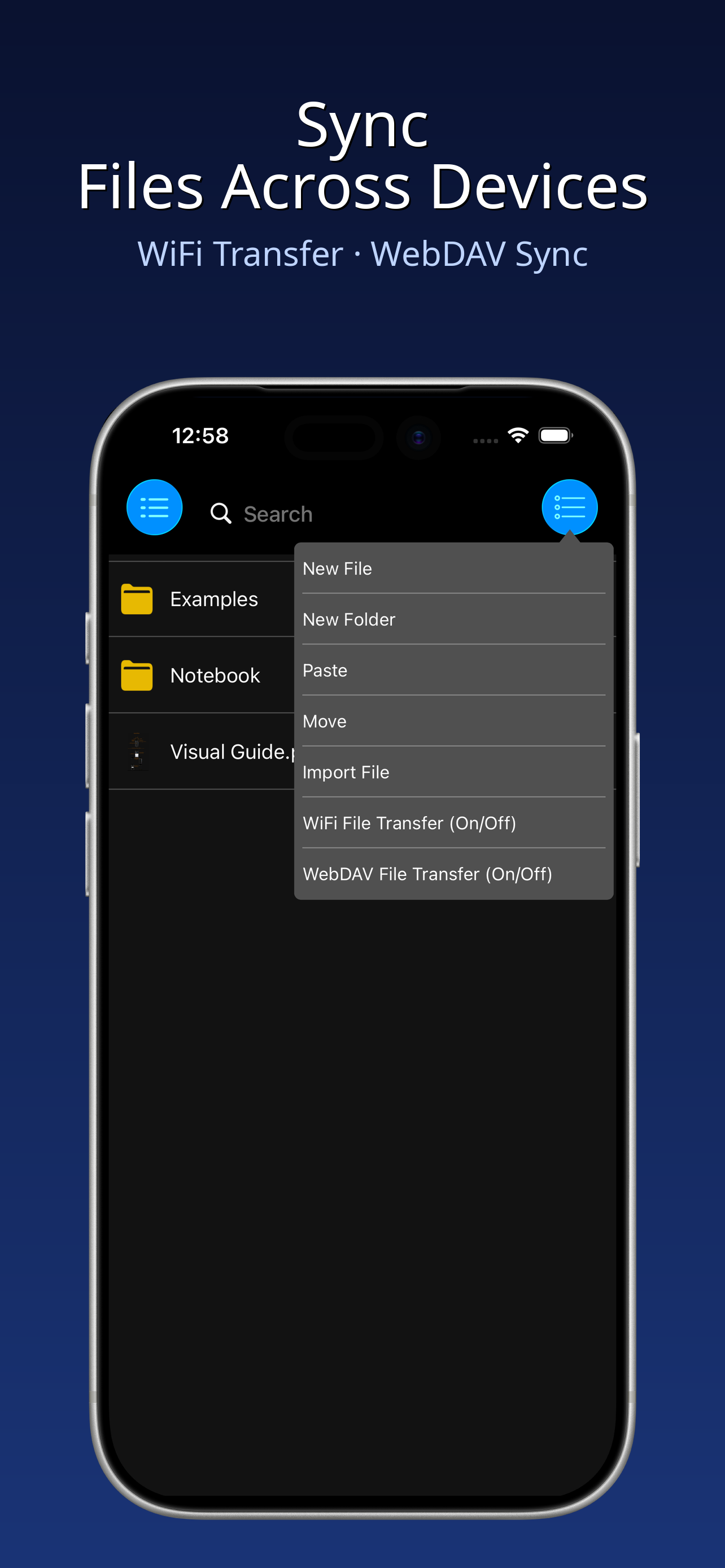
Manage files, import/export, WiFi transfer, and built-in WebDAV server.
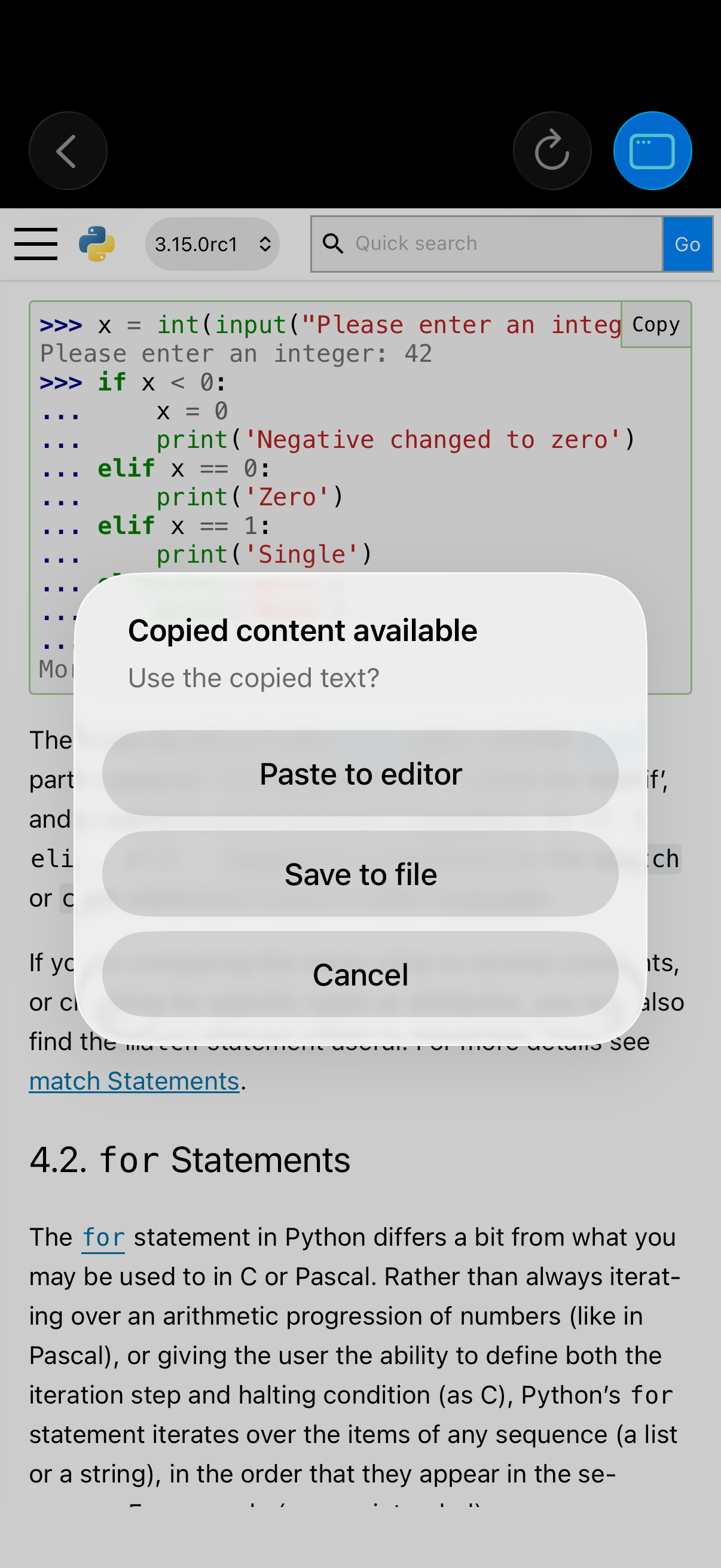
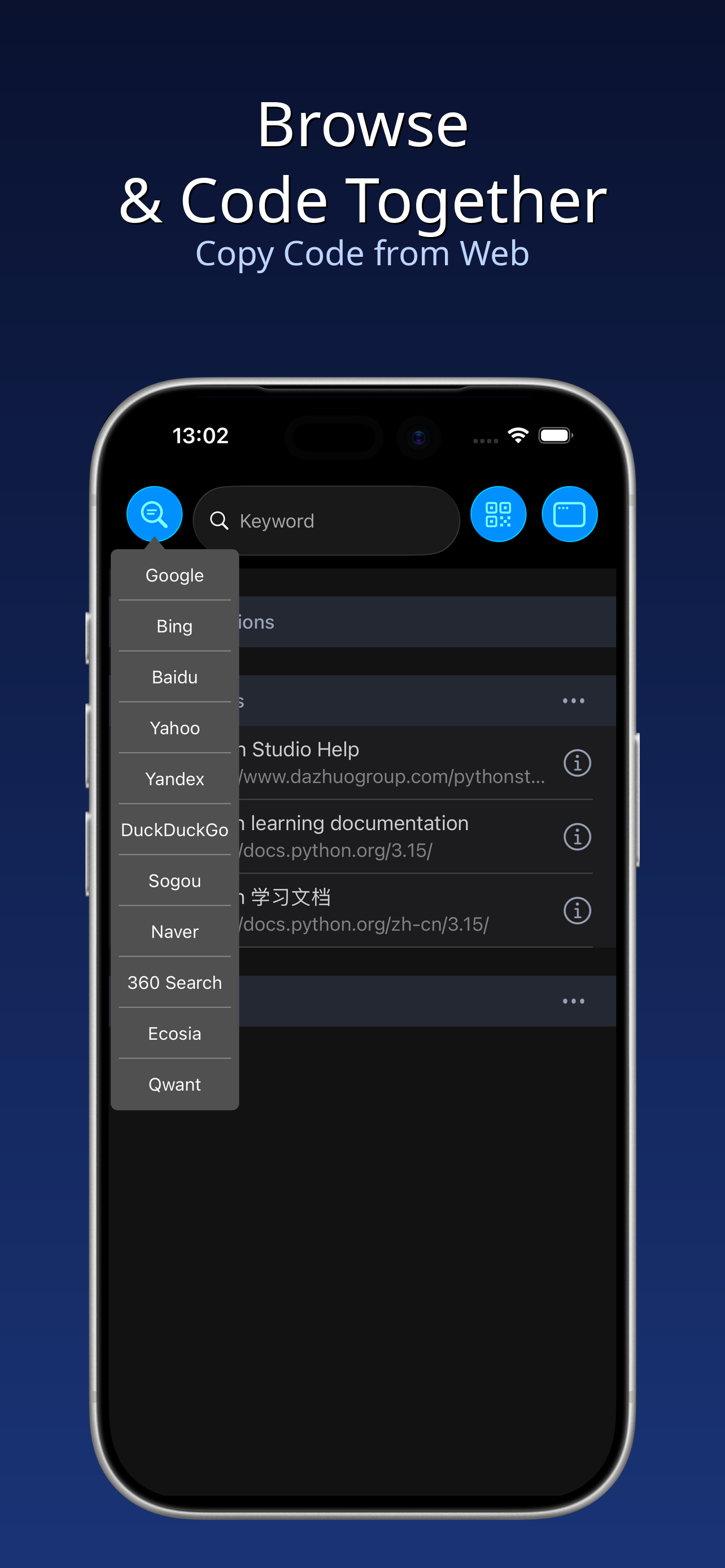
Copy code from web pages and jump straight to the editor.
Plan tasks with todo lists and a background countdown timer.
Two key features that make coding on iPhone fast
Intelligent code completion powered by LSP for faster coding.
Copy code from web pages or AI chats, then run it instantly.
A closer look at the app in action
The app needs to set up the Python runtime and extract offline packages on first launch. Please wait a moment.
The runtime encountered an issue. Please fully close the app (swipe up) and reopen. The system may suspend background apps for security.
Make sure your phone and computer are on the same local network. Try restarting the app to refresh the address.
The notebook will try to auto-install missing packages (up to 3). You can also manually run !pip install package_name in a cell.
All files are stored locally in the files/ directory. Access them via the file manager or iTunes file sharing.
Go to Settings, enable Code Completion, then tap the ⇥ / ⇤ keys on the keyboard to trigger suggestions.
Open a web page or AI conversation in the built-in browser, copy the code, and you'll see the option to jump to the editor and run it.
We have an illustrated guide that labels every button on the app UI with its purpose. Click to view: Interface Button Guide