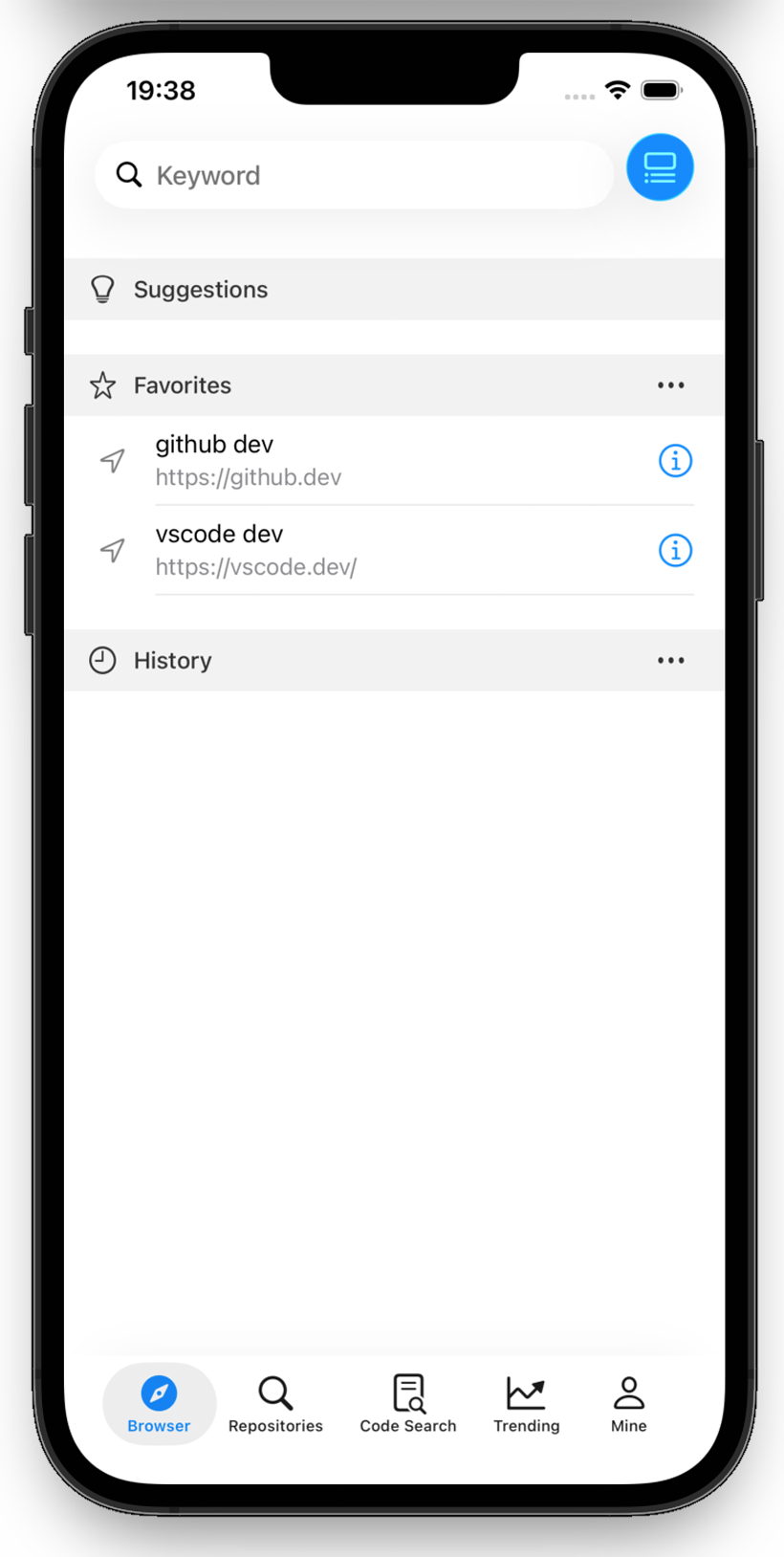
Code Browser - Browser for Dev
--Browse, Edit & Code Anywhere
Code Browser - The Exclusive Code Browser for Developers
Browse and edit code efficiently anytime, anywhere!
Code Browser is a lightweight browser specially designed for developers. It not only allows you to quickly access any URL, but also enables seamless exploration of GitHub repositories, highlights code in more than 100 programming languages, and even lets you modify the code in your private projects directly within the app using online editors.
Key Features
- Exclusive Browser for Developers: Lightweight and efficient with fast loading speed, optimized specifically for code browsing, and supports access to any URL.
- Deep GitHub Integration: Repository search, code retrieval, trend viewing, and private repository management. Take full control of your GitHub projects without switching tools.
- Intelligent Syntax Highlighting: Automatically highlights code in over 100 programming languages, delivering a clearer and more comfortable code reading experience.
- In-App Code Editing: Modify the code in your private repositories directly through online editors for efficient development anytime, anywhere.
Target Users
• Software Developers: Quickly view, search, and edit code
• Tech Learners: Browse excellent open-source projects to enhance programming skills
• Project Managers: Track GitHub trends and team code repositories
• Programming Enthusiasts: Explore the world of code anytime, anywhere
Code Browser - Making code browsing and editing simpler, and development more efficient!